Medical cannabis registration
How to get a Puerto Rico medical cannabis patient card
Get a medical recommendation, apply through Puerto Rico's current Salud Digital portal, track approval, and download the patient license.
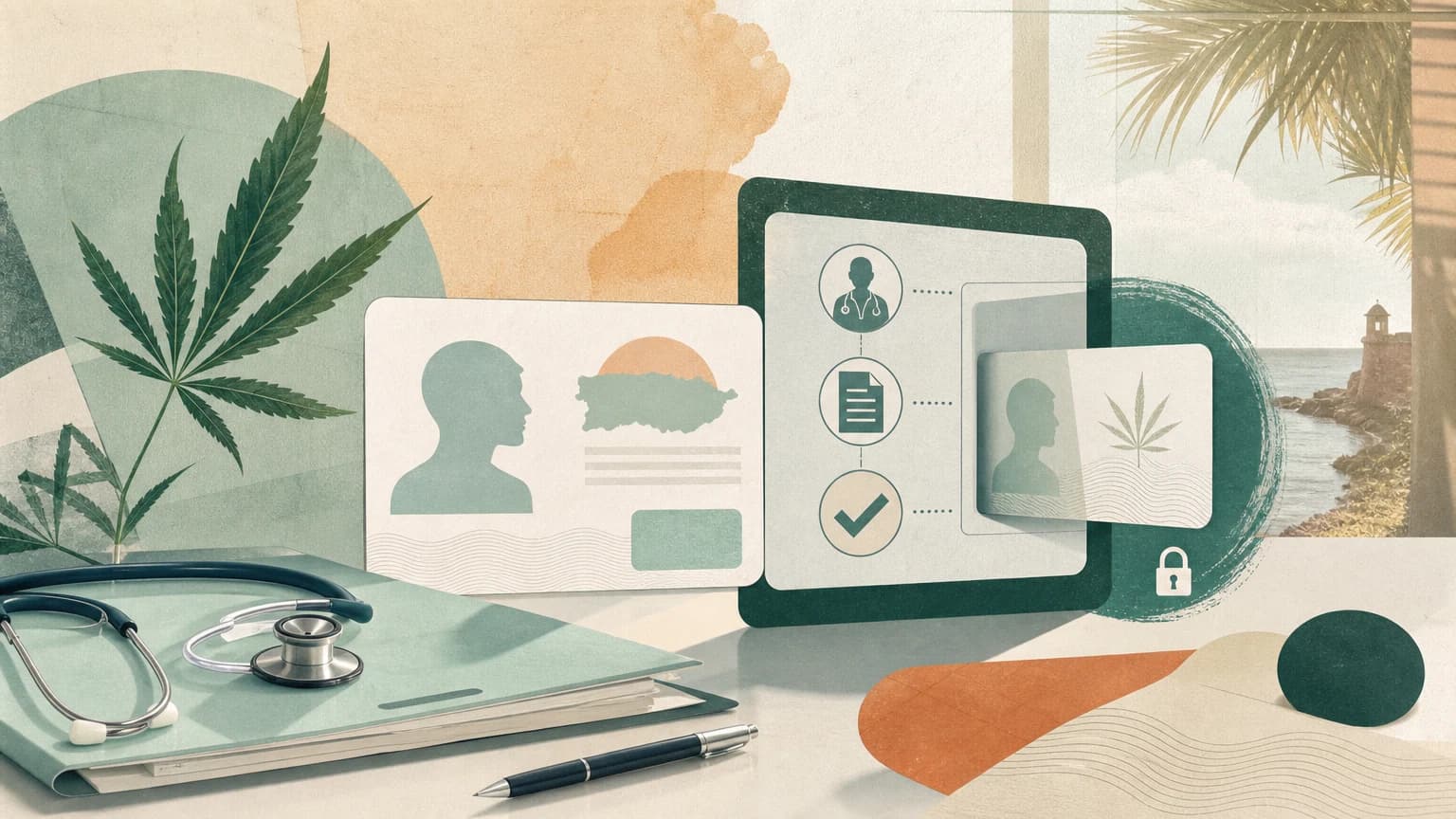
At a glance
- Adult-route eligibility
- Age 21 or older, or legally emancipated, with a qualifying condition and an authorized physician’s recommendation.
- Government portal
- The current Salud Digital cannabis portal.
- Typical uploads
- Government photo ID, a 2-by-2-style photo, and the documents shown in the transaction.
- Cost
- A physician or service fee plus the current government application fee.
- Timing
- Government review time varies. Monitor the portal rather than promising same-day approval.
- Result
- Download the approved license or voucher from the government portal.
Use the current Salud Digital system
Puerto Rico moved health transactions into Salud Digital in 2026. The Department of Health says credentials from the prior platform do not carry over, so create a new account if necessary. Older articles and provider emails may still point to the former portal.
The adult-patient route is for a patient age 21 or older or legally emancipated. An unemancipated minor needs two medical recommendations and a parent with parental authority or court-appointed guardian who registers as the authorized companion. Use the transaction that matches the patient rather than adapting the adult form.
Complete the resident adult application
- 1
Choose an authorized physician
Use the Department of Health's physician directory or a service that connects patients with a Puerto Rico-authorized medical cannabis doctor. The physician decides whether a qualifying condition supports a recommendation.
- 2
Complete the medical evaluation
Provide accurate medical information and ask about impairment, interactions, and product limitations. The physician submits an approved recommendation through the government system.
- 3
Create the government account
Open the Salud Digital cannabis portal, register, and select the new adult-patient license transaction. Do not assume credentials from the former platform will work.
- 4
Match the recommendation
Follow the portal prompts to locate the physician's submission and complete the privacy and consent steps. Resolve a mismatch before paying rather than starting duplicate applications.
- 5
Upload and submit
Upload the requested photo ID, patient photo, and any other documents shown in the transaction. Pay the current government charge and save the transaction number.
- 6
Monitor and download
Use the portal status view while the government reviews the filing. After approval, download and save the license or voucher from the government system.
Separate provider claims from government timing
A certification service charges for access to a physician or application support. The government charge is separate. As checked on September 1, 2026, Leafwell listed a $99 certification and a $25 state application fee. Those are dated prices from one provider, not a fee quote for every physician or service.
Leafwell also estimated 15 days for resident application review, but parts of its instructions still linked to the former government portal when reviewed. Use Leafwell for its own service terms and the official Salud Digital site for the government transaction. The Salud Digital FAQ says processing time depends on the transaction and the portal shows status, so a provider estimate is not a government deadline.
Recover when an approved license will not download
- 1
Record the status
Save a screenshot showing the application state and transaction number. Do not include more medical or identity information than the support request needs.
- 2
Contact the correct support desk
Email supportsaluddigital@salud.pr.gov for a portal problem or cannabismedicinal@salud.pr.gov for a program question. The Cannabis Medicinal Regulatory Board also publishes phone extensions on its official page.
- 3
Protect sensitive information
Do not send a Social Security number or medical record through ordinary email unless verified government support directs you to an approved secure method.
Keep the card within its legal scope
- The card is a medical patient registration, not general adult-use authorization.
- Buy only through licensed establishments, keep the license available, and follow the physician's recommendation and current program rules.
- Do not drive impaired or provide a registered product to another person.
- Renew before the expiration printed on the credential. Do not infer a fixed validity period from an old article.
- A Puerto Rico card does not remove federal travel restrictions. Check TSA's current cannabis instructions before flying and do not assume a product can leave Puerto Rico.
First-person field note
Common questions
- Is recreational cannabis legal in Puerto Rico?
- This guide covers Puerto Rico's medical patient program. A patient license is not general adult-use authorization. Follow the current medical program rules and buy only from a licensed establishment.
- Can I complete the Puerto Rico medical cannabis process online?
- The government application is online, and some authorized physicians offer remote evaluations. A service's telehealth availability and price can change, so verify both before paying.
- How long does approval take?
- There is no reliable same-day promise. Provider estimates vary, and the official FAQ says timing depends on the transaction. Submit complete documents, save the transaction number, and monitor the government portal.
- Will an out-of-state medical cannabis card work in Puerto Rico?
- Puerto Rico's rules include a limited nonresident route when the issuing jurisdiction and card satisfy program requirements. It is not the same as a resident patient license, and it does not authorize federal transport. Confirm the current visitor procedure with the Cannabis Medicinal Regulatory Board before arrival.
- Can I fly with medical cannabis from Puerto Rico?
- Do not assume a Puerto Rico patient card authorizes airport or interstate transport. TSA applies federal screening rules and refers suspected violations to the responsible authority. Review current TSA instructions before travel.
Sources and verification
Rules, prices, locations, and provider coverage can change. These links are the primary or first-party pages checked for this guide.
- Puerto Rico Salud Digital cannabis portal — Current government account, transaction, status, and license portal.
- Puerto Rico Salud Digital FAQ — Official page dated June 5, 2026, covering account migration, workflow, status, and support.
- Cannabis Medicinal Regulatory Board — Official program page updated August 27, 2026, with conditions, physician information, regulations, and contacts.
- Official adult-patient requirement summary — Department of Health summary of the adult and minor patient requirements under Regulation 9038.
- Leafwell Puerto Rico application page — Provider-specific price and timing claims checked September 1, 2026; use official Salud Digital links for government actions.
- TSA cannabis screening guidance — Federal airport-screening instructions for medical marijuana and cannabis products.
Continue the checklist
Related resources

Health coverage
How to choose health insurance after moving to Puerto Rico
Compare Puerto Rico individual health plans, networks, enrollment dates, and out-of-area coverage before ending mainland coverage.

Moving logistics
How to transfer an out-of-state driver license to Puerto Rico
Transfer a current mainland license through CESCO, including the 180-day driving boundary, 30-day driving-record rule, and state-specific record links.

San Juan neighborhoods
Where to live in San Juan and beyond: a resident comparison
Compare central San Juan with Isla Verde, Guaynabo, Dorado, and Rincón by water access, errands, airport access, and daily tradeoffs.